Latest Updates
Sharper website reviews
Website feedback now goes deeper on the pages you already review: multi-page checks, contrast math on retained details, a clearer score, and automatic design-pattern checks after each inspect.
- Open material same-origin pages and sample the not-found experience so the review is not homepage-only.
- Score with a large mark, a short capitalized verdict, and five filled stars out of ten.
- Run deterministic design-pattern checks on the retained page snapshot, then show them in the activity trace.
- Call out craft and originality separately when a page looks like a recolored AI landing kit.
- Hand a first prompt from design.withfudge.com into chat without losing the message.
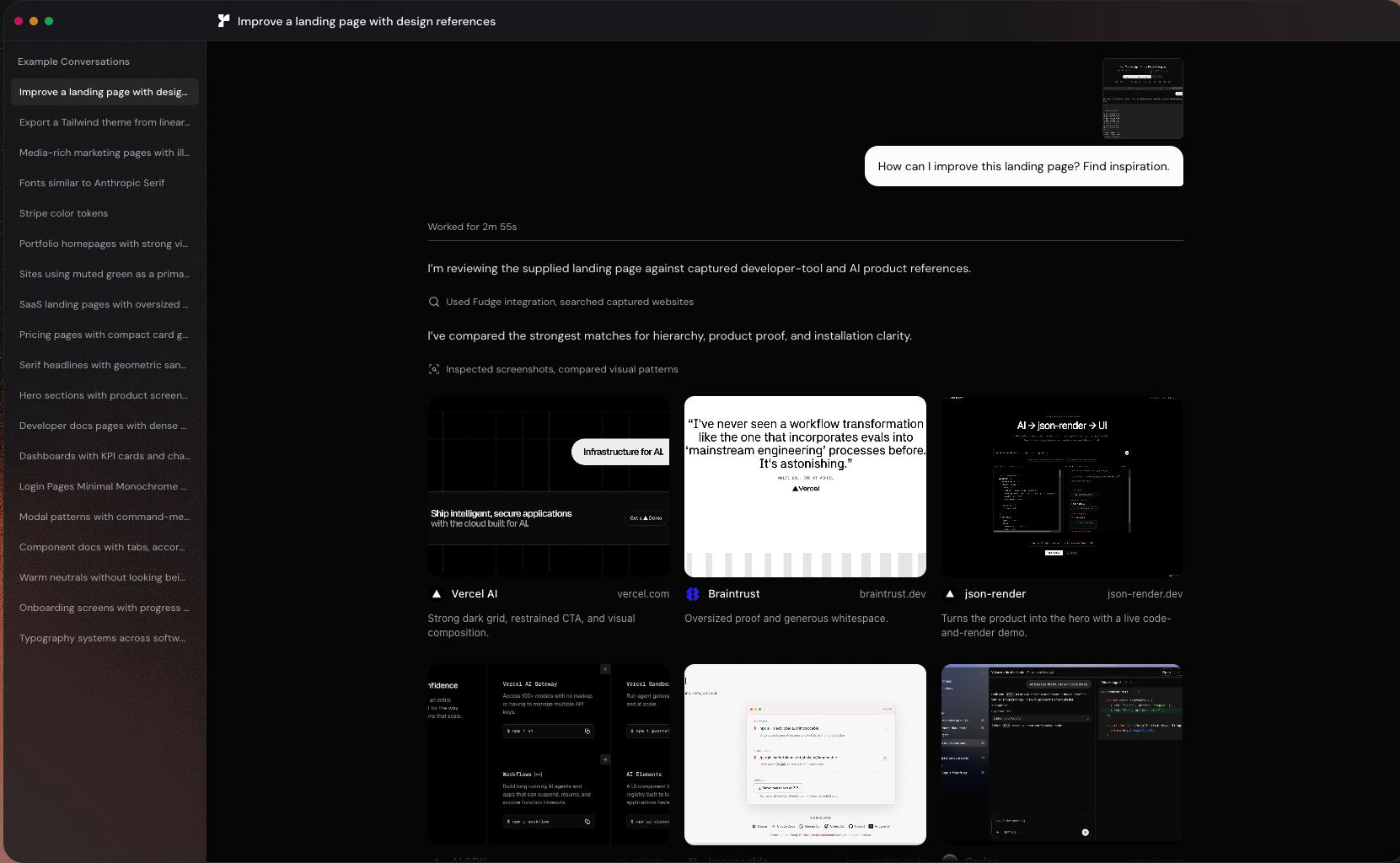
Website feedback, with real comparisons
Fudge can now review a whole website from one URL. It checks the page on desktop and mobile, finds similar pages and competitors, and returns clear priorities for what to improve.
- Paste a public URL or attach a screenshot.
- Compare your page with relevant websites instead of generic best practices.
- Continue the review in a saved Fudge conversation.
Public conversations keep their full context
Shared Fudge conversations now use the same conversation view as the app, so references, screenshots, fonts, colors, and comparison details stay useful after you share the link.
- Captured website cards open with their full design details.
- Shared pages include clearer titles, descriptions, and source links.
- Public conversations now recover more reliably after a deployment.
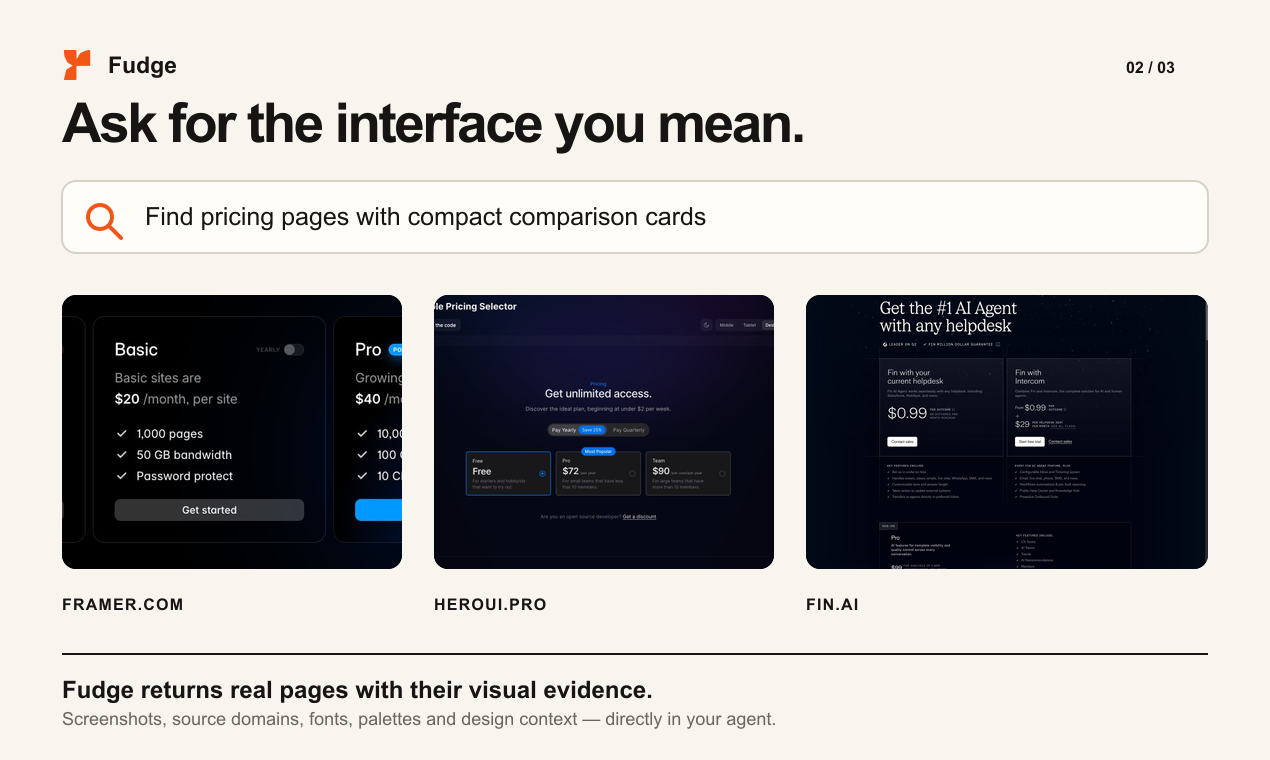
Fudge for your AI tools
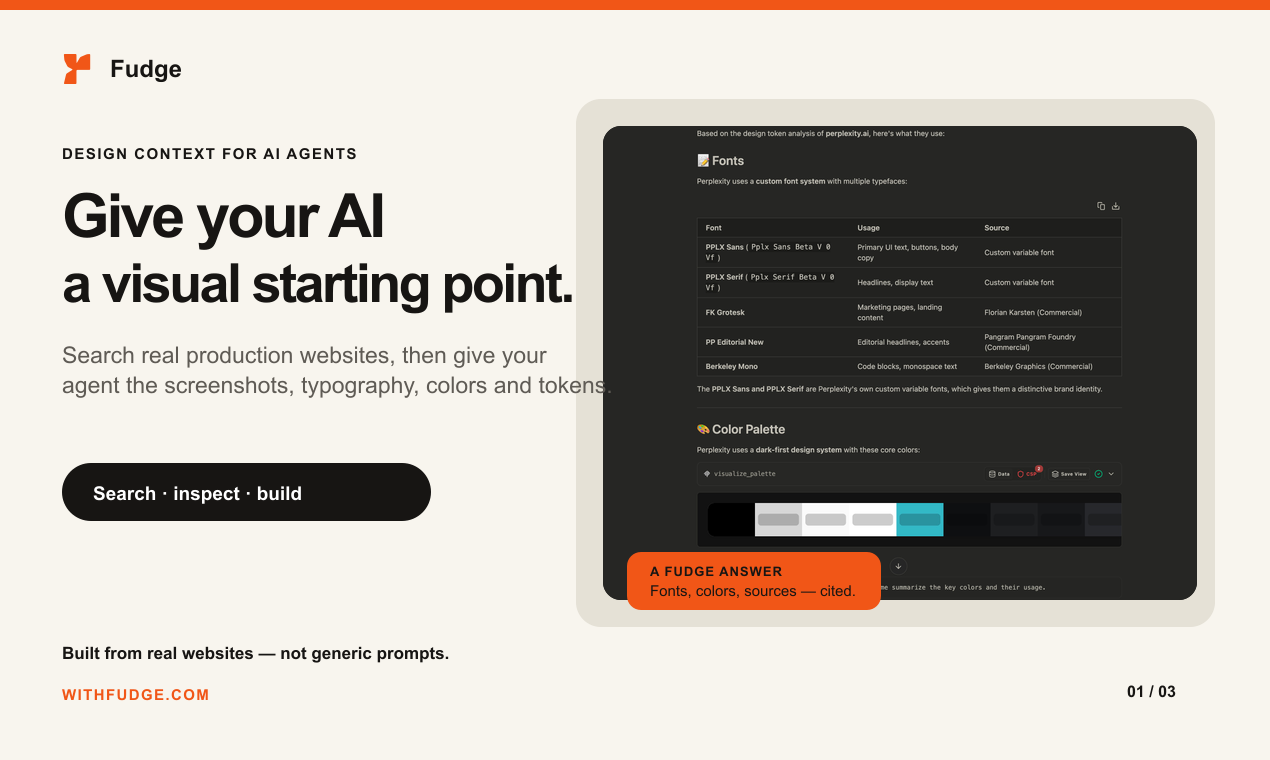
The hosted Fudge MCP server can bring captured website references, screenshots, typography, colors, and layout context into supported AI tools. MCP access is included with Pro and Studio.
- Search for pages by industry, page type, layout, color, font, or visual direction.
- Inspect the design system behind a live website.
- Turn the useful details into palettes, themes, tokens, and build guidance.
More reliable design research
Longer research turns now recover from short connection interruptions instead of losing completed work. Font previews, image matches, and component details also return with clearer progress and error states.